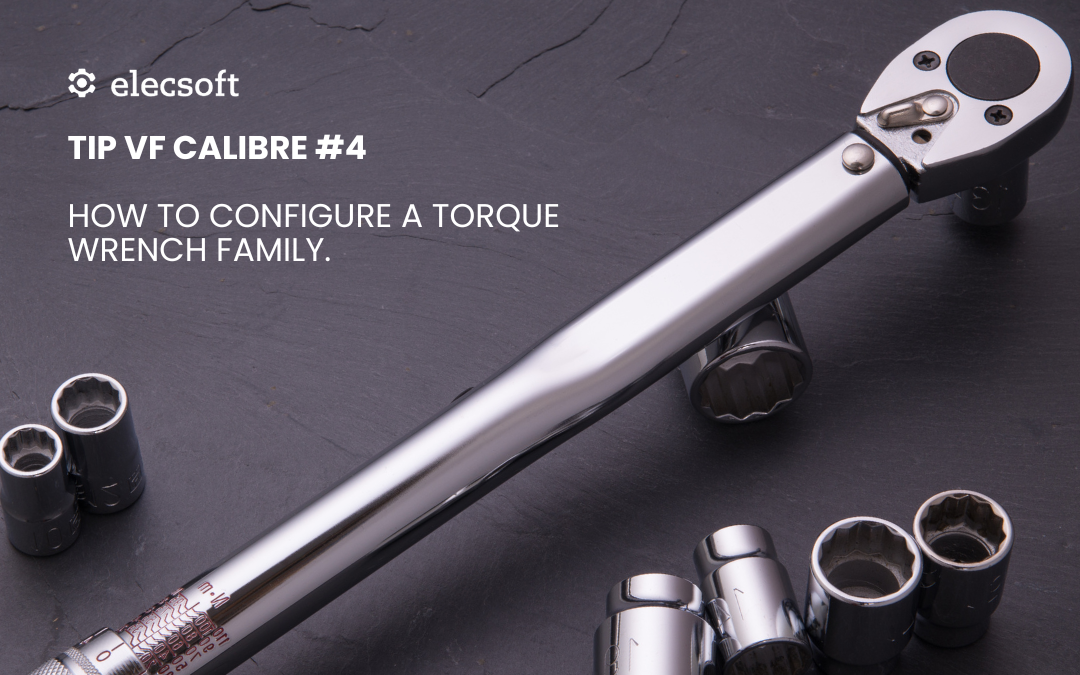
TIP VF Calibre #4 – How to Set Up a Torque Wrench Family

TIP VF Calibre #4 – How to Set Up a Torque Wrench Family

🔧 Do you have several torque wrenches in your facility, each calibrated using different criteria?
With Visual Factory Calibre, you can create a family of tools with a common configuration, ensuring uniformity and efficiency in the calibration process.

🎥 In this new TIP #4, we show you step by step how to configure a torque wrench family by defining:

Common tolerances and acceptance criteria
Technical fields adapted to the type of tool
Specific calibration instructions
Templates to automatically generate certificates

👉 All this translates into fewer errors, greater traceability, and faster work for your technicians.

🎥 Watch the full video on our YouTube channel:

🔗 Video — TIP VF Calibre #4: Family Configuration

https://www.youtube.com/watch?v=r5rOz85dcbk

💡 Setting up a family properly today saves you time on every calibration tomorrow.

TIP VF SPC #1. Cp, Cpk, Pp, Ppk? More than acronyms, they’re the key to trusting your process

TIP VF SPC #1. Cp, Cpk, Pp, Ppk? More than acronyms, they’re the key to trusting your process

Cp, Cpk, Pp, Ppk? More than acronyms, they’re the key to trusting your process 📊

Do you really know what these capability indices indicate?
Or do you calculate them… without being clear on how to interpret them?

Capability indices are essential to know if your process:

✅ Is stable
✅ Is centered
✅ Meets customer tolerances
✅ And above all… if it can be trusted

📊 In Visual Factory SPC we calculate these indices automatically, but the most important thing is understanding what they mean and how to use them.

🔗 That’s why we’re sharing this article from our blog, where we explain everything in detail with practical examples:

👉 Read the full article here: Cp, Cpk, Pp, and Ppk? More than acronyms, they’re the key to trusting your process.pdf

🎯 If your Cpk values seem low… or if you don’t know when to use Ppk, this read is for you.

TIP VF Calibre #3. Visual Factory Calibre WEB Viewer. Safe consultation, with no risks or errors

TIP VF Calibre #3. Visual Factory Calibre WEB Viewer. Safe consultation, with no risks or errors

Do you need the entire organization to have access to metrological information without the risk of modifying anything?

With the Visual Factory Calibre web viewer you can:

🔹 Consult from any workstation
🔹 Access histories, calibrations and other types of control, certificates, and planning
🔹 View equipment status and all its characteristics
🔹 Ensure no one modifies data by mistake

Ideal for quality, production, maintenance, or internal audits.

🌐 The fastest and safest way to share technical information without compromising its integrity.

🎥 Watch the explanatory video here: 👉 Visual Factory Calibre WEB Presentation

TIP VF Calibre #2 – Set acceptance criteria on a solid technical basis

TIP VF Calibre #2 – Set acceptance criteria on a solid technical basis

⚙️How do you decide whether a piece of equipment is acceptable or not after calibration or verification?

Visual Factory Calibre allows you to automate this decision through three configurable acceptance criteria:

 🔹 Maximum uncertainty
🔹 Maximum permissible error (MPE)
🔹 Defined tolerances

In addition, the recommendations of the ILAC-G8:09/2019 guide are taken into account, ensuring an approach aligned with internationally recognized practices.

These criteria allow each company to adapt the system to its own production reality and level of demand, without relying on external evaluations that are impractical for daily operations.

📚 We explain it in more detail on our blog: 👉 Acceptance criteria in Visual Factory Calibre

TIP Visual Factory Calibre #1. Calculate uncertainty without headaches

TIP Visual Factory Calibre #1. Calculate uncertainty without headaches

📏 How do you calculate the uncertainty of your measuring equipment? Manually, with Excel, with scattered formulas?

With Visual Factory Calibre, uncertainty calculations are automated according to the ISO GUM guide and ENAC criteria.
Our system applies different models for equipment with a scale (Normal type), without a scale (Utility type), and for Go/No-go formats, incorporating:

 🔹 Standard uncertainty
🔹 Repeatability
🔹 Scale division
🔹 Hysteresis, eccentricity, and deviations
🔹 Calculation of k according to degrees of freedom (Student)

➕ It also includes customizable fields to reflect “Other Uncertainties” when needed.

📚 Read the full article at:

👉 Metrological uncertainty with Visual Factory Calibre