VF Calibre TIP #8 — Using Excel Templates in Visual Factory Calibre (Example: Viscosity Cup)

VF Calibre TIP #8 — Using Excel Templates in Visual Factory Calibre (Example: Viscosity Cup)

Many companies already have their own Excel templates for performing calibrations, verifications, or other controls.

Internally validated sheets, with formulas, automatic calculations, and structures adapted to each type of equipment.

In this VF Calibre TIP #8, we show how Visual Factory Calibre allows you to work with customized Excel templates directly within the system, while maintaining:

✔ Your usual templates
✔ Your formulas and automatic calculations
✔ Your technical evaluation logic

But adding what Excel alone does not provide:

🔹 Full traceability (equipment, reference standard, date, user)
🔹 Version control and security
🔹 Centralized database records
🔹 Integration with planning and certificates

🎥 In the video, we use a viscosity cup as an example, but this functionality applies to any type of equipment or verification process.

👉 Keep the flexibility of Excel without giving up the robustness of an audited system.

📺 Watch the full video here: https://youtu.be/qJVLuhWmj2Y

🔗 More information: Elecsoft — www.elecsoft.com

TIP VF Calibre #7 — Configuring the Caliper Family

TIP VF Calibre #7 — Configuring the Caliper Family

We continue our series of technical videos focused on explaining, in a practical way, how to correctly configure measurement equipment families in Visual Factory Calibre.

In this VF Calibre TIP #7, we show the complete configuration of the Caliper family, covering both qualitative and quantitative aspects of calibration.

🎥 In the video you will see how to:

✔ Define the calibration plan by combining attribute-based checks (e.g. visual inspection) with data entry for correction and uncertainty calculation
✔ Correctly link the instrument to its reference standards, ensuring full traceability
✔ Establish appropriate acceptance criteria for this type of instrument
✔ Apply the full configuration in a practical calibration example

👉 A video designed to clearly explain the configuration logic of these instruments within Visual Factory Calibre.

📺 Watch the full video here:

🔗 VF Calibre TIP #7 — Configuring the Caliper Family
🔗 More information: www.elecsoft.com

TIP VF Calibre #6 — Calibration of smooth ‘Go/No-Go’ equipment

TIP VF Calibre #6 — Calibration of smooth ‘Go/No-Go’ equipment

🔧 Go/No-Go gauges are essential instruments in production for quickly verifying whether a part meets tolerances.
But to ensure their reliability, these tools must be calibrated correctly and with traceability.

In this new TIP VF Calibre #6, we show you how to calibrate smooth Go/No-Go equipment within Visual Factory Calibre, following metrological criteria and ensuring total control of the process.

📏 In the video, you will learn how to:
✅ Configure the family of this equipment
✅ Record the calibration results and obtain the results.
✅ Associate the tool with its reference standard
✅ Automatically generate the calibration certificate
✅ Maintain the traceability and validity of each tool

🎥 See step by step how Visual Factory Calibre manages this calibration in a simple, fast and fully audited way.

👉 Control the reliability of your ‘Go/No-Go’ gauges with the same rigour as any other measuring equipment.

📺 Watch the full video here:

🔗 TIP VF Calibre #6 — Calibration of smooth Go/No-Go equipment: https://www.youtube.com/watch?v=E-ytrz394eQ

🔗 Find out more about Visual Factory Calibre at www.elecsoft.com

#Elecsoft #VisualFactoryCalibre #TechnicalTip #Calibration #PassFail #Metrology #IndustrialQuality #Industry40

TIP VF Calibre #5 — Attribute Formats: Simplicity and “OK / Not OK” Control

TIP VF Calibre #5 — Attribute Formats: Simplicity and “OK / Not OK” Control

⚙️ In Visual Factory Calibre, there are different formats available for performing inspections, and the simplest of them all is the “Attribute” type.

This format allows you to record qualitative results —for example, “OK / Not OK” or “Approved / Rejected”— making it ideal for quick, clear checks, especially in visual or functional verifications.

🎥 In this new TIP VF Calibre #5, we show you how to configure and use attribute formats, the perfect starting point to get familiar with Calibre’s logic before moving on to formats involving correction calculations, uncertainties, or numerical tolerances.

👉 Master the simplicity of attribute formats to get ready for more advanced formats that include correction and uncertainty calculations.

📺 Watch the full video here:
🔗 TIP VF Calibre #5 — Attribute Formats (Fictional link)

🔗 Learn more about Visual Factory Calibre at www.elecsoft.com

#Elecsoft #VisualFactoryCalibre #TechTip #Attributes #OKNotOK #Metrology #Calibration #QualityControl #Industry40

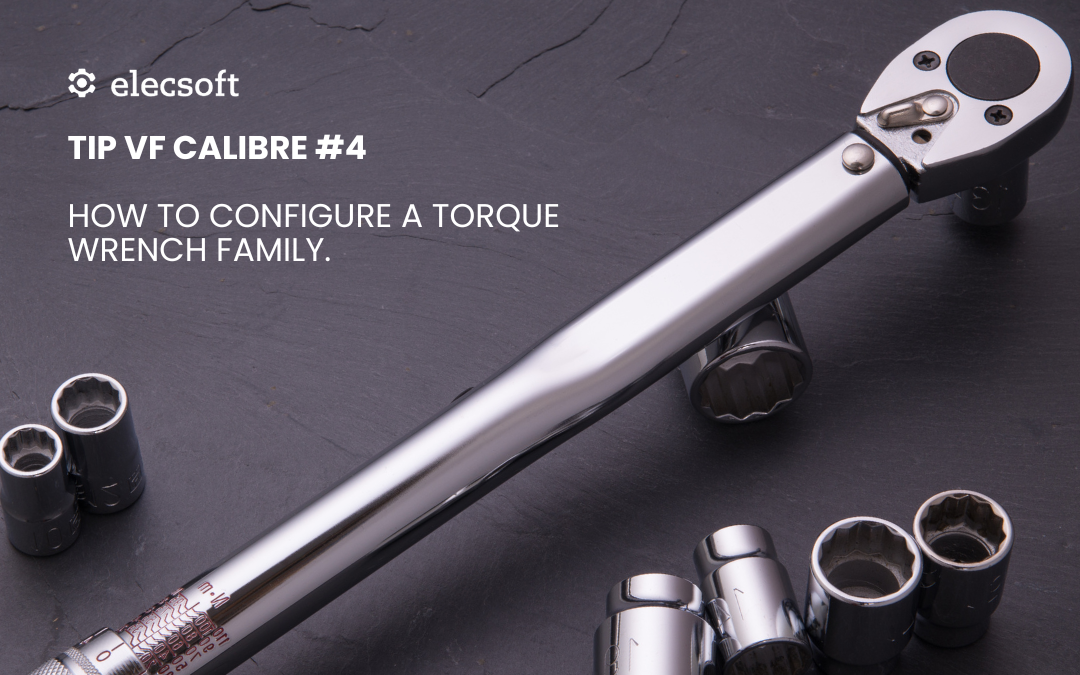
TIP VF Calibre #4 – How to Set Up a Torque Wrench Family

TIP VF Calibre #4 – How to Set Up a Torque Wrench Family

🔧 Do you have several torque wrenches in your facility, each calibrated using different criteria?
With Visual Factory Calibre, you can create a family of tools with a common configuration, ensuring uniformity and efficiency in the calibration process.

🎥 In this new TIP #4, we show you step by step how to configure a torque wrench family by defining:

Common tolerances and acceptance criteria
Technical fields adapted to the type of tool
Specific calibration instructions
Templates to automatically generate certificates

👉 All this translates into fewer errors, greater traceability, and faster work for your technicians.

🎥 Watch the full video on our YouTube channel:

🔗 Video — TIP VF Calibre #4: Family Configuration

https://www.youtube.com/watch?v=r5rOz85dcbk

💡 Setting up a family properly today saves you time on every calibration tomorrow.

TIP VF SPC #1. Cp, Cpk, Pp, Ppk? More than acronyms, they’re the key to trusting your process

TIP VF SPC #1. Cp, Cpk, Pp, Ppk? More than acronyms, they’re the key to trusting your process

Cp, Cpk, Pp, Ppk? More than acronyms, they’re the key to trusting your process 📊

Do you really know what these capability indices indicate?
Or do you calculate them… without being clear on how to interpret them?

Capability indices are essential to know if your process:

✅ Is stable
✅ Is centered
✅ Meets customer tolerances
✅ And above all… if it can be trusted

📊 In Visual Factory SPC we calculate these indices automatically, but the most important thing is understanding what they mean and how to use them.

🔗 That’s why we’re sharing this article from our blog, where we explain everything in detail with practical examples:

👉 Read the full article here: Cp, Cpk, Pp, and Ppk? More than acronyms, they’re the key to trusting your process.pdf

🎯 If your Cpk values seem low… or if you don’t know when to use Ppk, this read is for you.