Visual Factory Quality: Advanced quality management according to IATF 16949

Visual Factory Quality: Advanced quality management according to IATF 16949

In industrial environments where quality is critical, having tools that ensure traceability and regulatory compliance is essential.

Visual Factory Quality provides a comprehensive solution for quality project management, fully aligned with IATF 16949 standards. Its main features include:

FMEA management (Failure Mode and Effects Analysis) for design and process, with AIAG and VDA-compatible formats.
Control Plan and Process Flow Chart, with the option to work with families to speed up the creation of new projects.
Integration between modules, enabling the generation of control plans directly from the Control Plan.
Task tracking and management of incidents and corrective actions.
Electronic signature and Audit Trail, ensuring information traceability and security.
Report designer and customizable views, adapting to each user’s specific needs.

With more than 35 years of experience in the industry, Elecsoft remains committed to providing solutions that optimize quality processes in manufacturing.

Migrating data is NOT starting from scratch, it’s moving forward without losing accumulated value

Migrating data is NOT starting from scratch, it’s moving forward without losing accumulated value

When a company decides to invest in solutions like Visual Factory Calibre, it’s common to already have a significant volume of data recorded in their current systems.

📁 Old databases
📊 Custom-built applications
📄 Excel spreadsheets
💻 Standard software, sometimes obsolete

And the concern is logical:

What happens to all that information? Do we have to start from zero?

👉 At Elecsoft, we know that this data is valuable. That’s why we offer customized data migration services that allow you to adopt our solutions without giving up the work already done.

Our team analyzes your current system and designs a migration process tailored to your environment so the transition to Visual Factory is smooth, safe, and loss-free.

✅ Keep your historical data as much as possible
✅ We can adapt to your current needs
✅ Gain traceability from day one
✅ Reduce implementation times

No matter if you’re coming from an Excel sheet or a complex industrial system: migrating well means starting better.

TIP VF Calibre #2 – Set acceptance criteria on a solid technical basis

TIP VF Calibre #2 – Set acceptance criteria on a solid technical basis

⚙️How do you decide whether a piece of equipment is acceptable or not after calibration or verification?

Visual Factory Calibre allows you to automate this decision through three configurable acceptance criteria:

 🔹 Maximum uncertainty
🔹 Maximum permissible error (MPE)
🔹 Defined tolerances

In addition, the recommendations of the ILAC-G8:09/2019 guide are taken into account, ensuring an approach aligned with internationally recognized practices.

These criteria allow each company to adapt the system to its own production reality and level of demand, without relying on external evaluations that are impractical for daily operations.

📚 We explain it in more detail on our blog: 👉 Acceptance criteria in Visual Factory Calibre

Are you still managing critical processes with Excel?

Are you still managing critical processes with Excel?

In many industrial plants, spreadsheets are still used to control calibrations, alerts, histories, and data analysis.

The result?

❌ Lack of traceability
❌ Error-prone manual validations
❌ Time wasted on tasks that could be automated
❌ High risk during audits

With Visual Factory, your data is structured, secure, and accessible in real time.

🛠️ You no longer need complex formulas to manage your equipment or quality processes.

Automate, validate, and document safely with our applications:

🔹 Visual Factory Calibre
🔹 Visual Factory SPC
🔹 Visual Factory Quality

Visual Factory Calibre 2023 News

Visual Factory Calibre 2023 News

The purpose of this announcement is to provide current Visual Factory Calibre users with the list of new features we have planned for the new version.

Some of the new features have already been implemented or are being implemented, but we are interested in customer feedback for others in order to prioritize them.

In principle, all existing features in Visual Calibre 7.6 have been maintained or expanded in the new version 23.

Furthermore, the entire application has been redesigned with a new framework adapted to new technologies and using .Net 6.

New Features in Visual Factory Calibre 23

Change in version numbering. The main version will reflect the release year of the new version. The goal is to release a major version each year, updating the Framework and adding functionality based on user feedback.


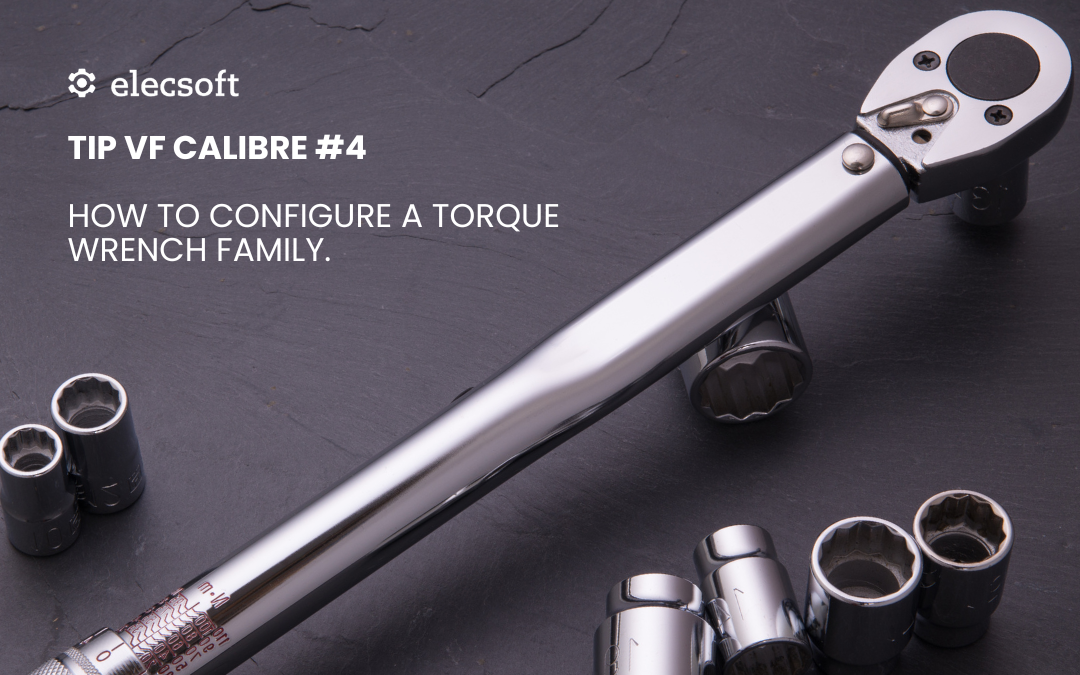
Expand and manage uncertainties and corrections in %. Some equipment, such as torque wrenches and electrical equipment, expresses uncertainty and correction in %.


Unify calibration and verification processes for Useful equipment (not scaled). The current Useful, Plain PNP, Threaded PNP, and Verification – Useful formats would have a common configuration.


Thread tolerance calculation according to “ANSI-ASME. Unified Inch Screw Threads (UN, UNR, and UNJ Thread Forms) B1.1 – 2019”


Ability to change the family code from the same application.


Ability to link and attach files in Family, Equipment, and Result.


Image field in Family and Equipment.


Audit Trail of changes made to any field in the database. Professional and FDA editions only.


Graph of values ​​and uncertainties within the calibration.


In the attributes table, a new column is added for each record where the user can enter notes when performing the control.


Fully featured report designer with graphs and barcodes and two-dimensional (QR) codes.


The user can design their own certificates (calibration, verification, etc.).


Conditional formats in reports. For example, marking out-of-tolerance values ​​in red, printing labels for unsuitable equipment in red, etc.


Configuration for automatic printing of a label immediately after the inspection is performed.


All current MSA Excel forms are integrated into Windows forms within the application.


Integrated dashboard to display general metrics. For example: inspections performed monthly versus those not performed. Teams by department or section, teams by availability, teams on sick leave by months, etc.

It would be very helpful to know what KPIs, graphs, and metrics you are using or would like to use related to metrology processes.

This functionality will only be available for the Professional and FDA editions.


The only database engine for the application will be MS SQL Server.

MS SQL Server is much more secure and reliable than MS Access. Additionally, there is an Express version, with up to 10 GB of memory, with a free license.


To increase security according to new standards, user authentication will be performed using Windows Active Directory.


The idea is that the vast majority of these new specifications will be incorporated in the initial version 23, although some, due to their complexity, may be postponed to a later revision.